
-
Dolphin Web SolutionMobile AppTop 5 Best Mobile App Development Platforms
 15 Min Read
Top 5 Best Mobile App Development Platforms


Table of Contents
 Show
Show

Summary :
Want to build a mobile app for your business but don't have technical expertise or budget? We've handpicked the top 5 mobile app development platforms that make app development easier. Discover each platform's features, pros, and cons to compare and find the right one for your business needs.
Mobile apps are now part of everyday life, from banking and shopping to food delivery and fitness. With such fast growing demand for apps, businesses of all sizes are planning to build their own apps to stay connected with customers.
The good news? You don’t need to be a tech expert or spend a fortune to build your mobile app.
Thanks to mobile app development platforms, creating an app is faster, easier, and more budget-friendly than ever for all sizes of businesses.
However, choosing the right one can be challenging with thousands of platforms in the market.
That’s why we’ve created this guide. Inside, you’ll find:
- What is a mobile app development platform and its types
- Why choosing the right platform matters
- Explore the top 5 mobile app development platforms
- Comparison Table
- Factors to consider before selecting the platform
So, without any further delay, let’s dive in!
What Is a Mobile App Development Platform?
A mobile app development platform is a set of tools. It helps you build, test, and launch Android, iOS, or mobile apps.
These platforms simplify development by offering built-in features, ready-made components, and user-friendly design tools.
With these platforms, businesses can build secure apps that work across devices like smartphones, tablets, and wearables without starting from scratch.
These platforms also allow smooth integration with third-party services like payment gateways, maps, or chat features.
Types of Mobile App Development
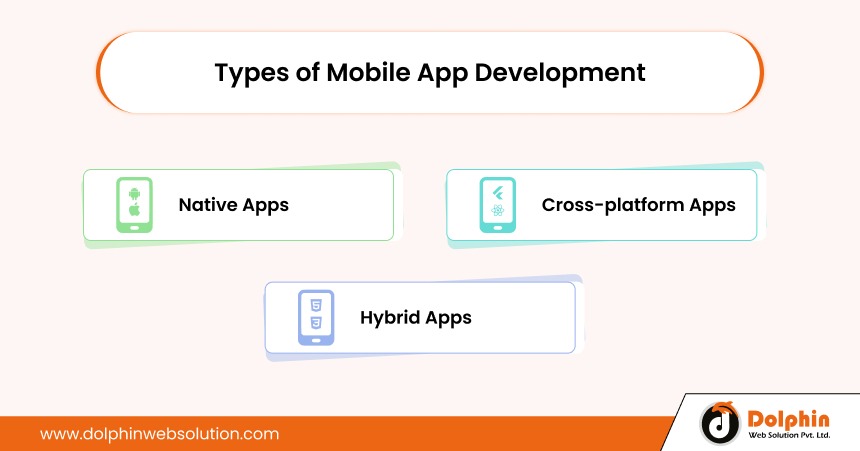
There are three types of apps you can build. Each type comes with its uniqueness. Here are three popular types:
- 1. Native Apps: These apps are for one platform like Android or iOS. They run very smoothly and can use all phone features. But if you want your app on both, you must build it twice.
- 2. Cross-platform Apps: These apps are built once and run on Android and iOS. They save time and money and still offer good performance. Tools like Flutter and React Native are commonly used for this.
- 3. Hybrid Apps: These apps are a mix of both. You build them once, and they work on both Android and iOS. They save time and money and can use some phone features, too.
Why Choosing the Right Platform Matters?
Here are some key reasons why choosing the right platform matters:
- Performance: Users will abandon your app if it is sluggish or faulty. The right platform keeps your app running smoothly, loading quickly, and feeling solid on users’ devices – making customers happy and loyal.
- Development speed: Some platforms allow you to build one app that works for both Android and iOS simultaneously. This will save you weeks, or even months if you build two separate apps. This helps you get to market more quickly.
- Maintenance and scalability: Once your app is established, you will need to include additional features or do updates. A quality platform makes this affordable and straightforward.
- Cost Effectiveness: Building an app can get expensive if you don’t choose the right tools. Some platforms help reduce mobile app development costs by using one codebase for multiple platforms.
Top 5 Best Mobile App Development Platforms
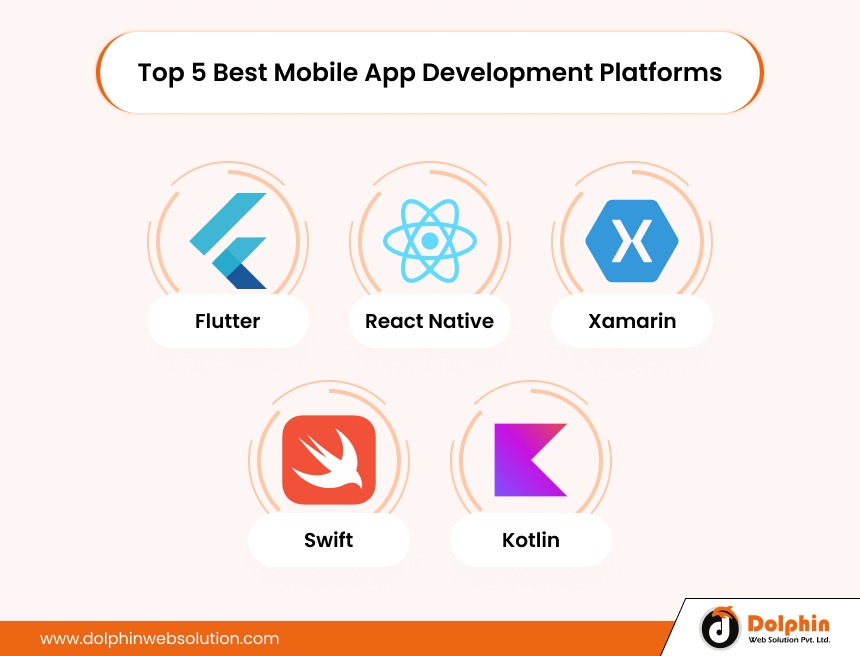
Here are the top 5 mobile app development platforms you must consider:
1. Flutter (by Google)
Flutter is an open-source UI toolkit developed by Google. It lets you create mobile, desktop, and web applications from one codebase. Because Flutter makes it easy for developers to develop native-like apps with beautiful, interactive user interfaces, the reasons for its popularity are easy to see. Many businesses deliver their mobile solutions using Flutter, including Google Ads, Alibaba, and Tencent.
Key Features:
- Hot Reload for instant code changes
- Customizable widget library
- Single codebase for multiple platforms
- Own rendering engine (Skia)
- Built-in tools for localization and multi-language support
Pros:
- Faster development and real-time testing
- Great UI customization
- Native-like performance
- Backed by Google and a strong developer community
Cons:
- The Dart programming language may be unfamiliar to many
- Limited third-party libraries compared to older platforms
- Flutter apps tend to be larger
Ideal For: Startups and growing businesses that want to launch attractive, cross-platform apps quickly without building separate codebases.
2. React Native (by Meta)
Meta (formerly Facebook) has developed a cross-platform development framework called React Native. It allows developers to build high-performance mobile applications using JavaScript and React in a single codebase that works across all devices and platforms. Many well-known brands, including Instagram and Facebook choose React Native to implement fast, impactful mobile experiences.
Key Features:
- Component-based architecture
- Hot reloading for real-time updates
- Single codebase for both Android and iOS
- Native components like image, view, and text
- Support for third-party plugins and libraries
Pros:
- Reusable code speeds up development
- Ideal for web developers moving into mobile
- Huge developer community
- Excellent performance for most use cases
Cons:
- JSX and bridge architecture can be challenging for beginners
- Apps depend on many third-party libraries
- JavaScript-based code may pose security vulnerabilities
Ideal For: Businesses that want faster development across platforms using existing JavaScript teams or web developers.
3. Xamarin (by Microsoft)
Xamarin is a cross-platform mobile application development tool from Microsoft that uses the C# programming language using the .NET framework. You can make native Android, iOS, or Windows apps across platforms using one source code. Xamarin gives the developer a complete integrated development environment (IDE), debugging tools, and cloud services to assist in the development cycle and enhance the experience.
Key Features:
- Write code once, deploy on multiple platforms
- Full access to native APIs
- Integration with Visual Studio and Azure
- Component store with cross-platform tools
- Intermediate layer for connecting core system and standard code
Pros:
- Native performance and look
- Best suited for enterprise-grade apps
- Reduces bugs and improves development efficiency
- Microsoft backs it and integrates well with its ecosystem
Cons:
- Not ideal for graphic-intensive apps
- Larger app size
- Limited access to some third-party open-source libraries
Ideal For: Enterprise-level businesses already using Microsoft tools who want secure, scalable apps with native performance.
4. Swift (for iOS native)
Swift is an open-source Apple’s official programming language designed for building high-performance applications in its ecosystem including iOS, macOS, watchOS, and tvOS. Swift aims to be fast, safe, and always updated by Apple. Swift is user-friendly and utilizes concise syntax and advanced functionalities.
Key Features:
- Clean and readable syntax
- Seamless integration with Apple APIs
- Built for safety and speed
- Full access to hardware and software features
- Supported by Xcode for visual development
Pros:
- Best performance for iOS apps
- Secure and reliable for business apps
- Constant support and improvements from Apple
- Supports modern app features out of the box
Cons:
- Works only for Apple platforms
- Requires separate development for Android
- Needs experienced iOS developers
Ideal For: Businesses building iOS-exclusive apps or high-end mobile experiences for Apple users.
5. Kotlin (for Android native)
Kotlin is an open-source Google’s official language for Android app development. It is modern, safe, and interoperable with Java. It helps reduce the amount of code you need to write, making it a preferred choice for developing native Android applications. Kotlin also supports building apps running on multiple platforms with minimal change.
Key Features:
- Fully supported in Android Studio
- Interoperable with existing Java code
- Null safety and concise syntax
- Support for Android Jetpack and coroutines
- Great integration with modern Android tools
Pros:
- Clean and modern language structure
- Reduces development time and errors
- Backed by Google and the Android community
- Great for scalable and secure Android apps
Cons:
- Limited to Android — no cross-platform support
- The learning curve for developers switching from Java
- It needs a separate team for iOS if targeting both platforms
Ideal For: Companies focused solely on Android apps that require modern features, safety, and efficient performance.
Comparison Table of Mobile App Development Platforms
| Platform Name | Type | Language | Ideal Use Case | Pricing | Performance |
|---|---|---|---|---|---|
| Flutter | Cross-platform | Dart | Building apps for Android, iOS, and desktop using a single codebase | Free (open-source) | Near-native, very fast |
| React Native | Cross-platform | JavaScript (React) | Rapid development with existing JavaScript/web development teams | Free (open-source) | High for most use cases |
| Xamarin | Cross-platform | C# (.NET) | Enterprise-level apps using Microsoft ecosystem and shared codebase | Free (with Visual Studio) | High (near-native) |
| Swift | Native (iOS only) | Swift | Creating iOS-exclusive apps with the best performance and security | Free (via Xcode) | Native (best for iOS) |
| Kotlin | Native (Android only) | Kotlin | Developing Android-first apps with modern features and top safety | Free (via Android Studio) | Native (best for Android) |
Factors to Consider Before Choosing a Mobile App Development Platform
Here are some key factors to consider before choosing a mobile app development platform:
- Target audience (Android, iOS, or both): Is your audience on Android, iOS, or both? Pick a platform that helps you reach the right audience.
- Project timeline: Some platforms let you build one app for Android and iOS, saving time.
- Developer skill availability: Choose a platform your developers are already comfortable with.
- Budget constraints: Cross-platform tools can help you save money if you’re on a budget.
- Third party plugin support: Make sure the platform supports the features you want. Such as payments, chat, or maps.
Conclusion
Choosing the right mobile app development platform can make your journey faster and easier. Regardless if you are building an Android, iOS, or both – there is a platform to meet your goal and budget. We hope this guide helps you better understand mobile app development platforms, their advantages, and how to evaluate and choose the right platform based on your business needs.

Rohit Prajapati


Rohit Prajapati is the Chief Executive Officer of Dolphin Web Solution and a recognized expert in eCommerce technologies, digital commerce strategy, and product development. With over 15 years of experience in the technology industry, he helps businesses build high-performing online stores, scalable digital platforms, and innovative customer experiences. As a certified Adobe Commerce Business Practitioner (Magento Solution Specialist), Rohit possesses deep expertise in Shopify, Magento, Shopware, Hyvä, and enterprise eCommerce ecosystems. He has successfully consulted businesses worldwide on platform selection, digital transformation, migration strategies, and growth-focused commerce solutions. Rohit regularly shares insights on eCommerce trends, AI-driven commerce, online business growth, and emerging technologies. His mission is to help organizations create future-ready digital experiences that drive measurable business outcomes and long-term success.

We can help you with
- Dedicated Team
- Setup Extended Team
- Product Development
- Custom App Development
Our Offices

AHMEDABAD (INDIA)
B- 203-206, Empire Business Hub, Science City Road, Sola, Ahmedabad – 380060

BERLIN (GERMANY)
Badensche Str. 28, 10715 Berlin, Germany

CALIFORNIA (USA)
9601 Reseda Blvd, Apt#223, Northridge CA-91324, USA

ALBERTA (CANADA)
302 Skyview Ranch Drive NE, Calgary, Alberta, Canada T3N0P5





Hello!
Click one of our contacts below to chat on WhatsApp